

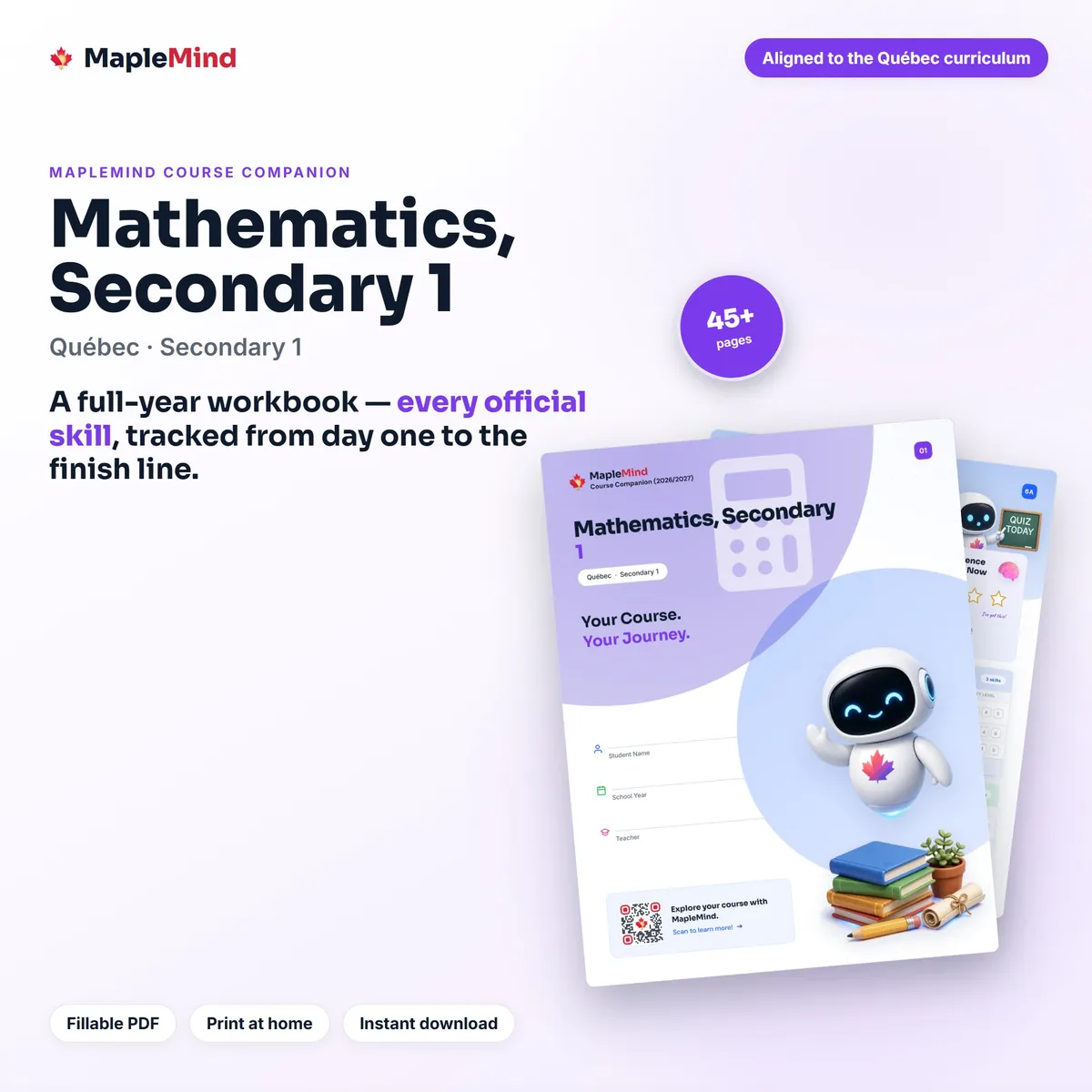
 Mathematics · Secondary 1
Mathematics, Secondary 1
Mathematics · Secondary 1
Mathematics, Secondary 1
$4.99
Quebec · Grade 7 · Science · 2026–27
Report cards arrive twice a year and tell you a letter. This tells you the rest: all 20 skills in Quebec's Science and Technology, Secondary 1, with your student's own before-and-after read on every one — so you can see what's landing while there's still time to help.
It's the curriculum checklist, the skills tracker, the unit reflections, the parent-conference pages and the end-of-year certificate, in one 32-page fillable PDF.
$4.99CAD
Instant downloadNo shipping. GST/HST added at checkout.
Buy any 5 workbooks and every one is $2.99 — build the year.
Secure checkout by StripeVisaMastercardAmexApple PayGoogle Pay
By buying you agree to our Terms and Refund Policy.
This is a 32-page workbook made for one course and one course only: Science and Technology, Secondary 1 in Quebec. It isn't a study guide with lessons in it. It's the map of the year and the place your student records how the year actually went — what they understood in October, what took until February, and what they can do by June.
You get the file the moment you pay. Fill it in on a computer or an iPad, or print it and use a pencil. There's 1,400+ fillable fields, so a family that never prints anything can still use every page.
Every outcome is printed in the wording the ministry published, not paraphrased into something friendlier that turns out to mean something else. The book follows the course's real structure: 4 units — The Material World, The Living World, The Earth and Space, The Technological World. Across those units it tracks 20 skills — one row each, in the order they're taught.
You can check any of it before you buy. The same outcomes are on our free Science and Technology, Secondary 1 course page, which links straight to the government source they came from.
We built each of these to feed the next. The checklist sets up the tracker, the tracker feeds the unit reflections, the reflections feed the parent pages, and the whole thing ends at a certificate. Because they live in one file for one course, they actually get used together instead of drifting apart in a folder.
Filled in from September to June, the whole thing also ends up being a school-year memory book — which is the part parents tell us they didn't expect.
Every one of these is built for Science and Technology, Secondary 1 specifically. That's the reason they fit together: the checklist isn't a generic template, it's this course's outcomes, and everything downstream is keyed to them.
In September you print it or open it and write your student's name on the front. Before each unit starts, they colour in how sure they feel about each skill in it — usually not very, and that's the point. As the unit goes on they date the skills they've got. At the end of it they colour the same rows again, and the difference between the two is the whole story.
Parents mostly live on two pages: the year-at-a-glance sheet, which shows every unit at once without a single grade, and the parent-teacher pages, which give you real questions to ask and somewhere to write down what you agreed. Neither one needs you to know any science.
Report cards come twice a year and hand you a letter. This hands you something more useful, sooner: which skills your student feels shaky about, in their own words, while there's still time to do something about it. They colour in a skill before the unit and again after, and the distance between those two marks is the honest picture of what this year taught them.
By June the book is full of their handwriting. What they found hard in October. What finally clicked in February. The units they worked through, the reflections they wrote, the certificate at the back with their name on it. It's the sort of thing that ends up in a box in the closet and gets pulled out again in ten years.
Homeschooling families usually have to show what got covered. Every outcome is printed with the curriculum's own wording and a place to date it, so a portfolio review becomes a matter of handing someone the book, instead of reconstructing a year from memory the night before.
One PDF, 32 pages, sized for US Letter at 8.5 by 11 inches. It prints cleanly on any home printer and doesn't need colour ink to make sense. It opens in Adobe Acrobat Reader, Apple Preview, Google Drive, and the PDF viewer already built into your browser. On an iPad it works in GoodNotes and Notability, Apple Pencil included.
There's no account to make and no app to install. If you lose the file, ask for fresh links with the email you bought with and they'll come back.
The workbook tracks the course. The app teaches it. They cover exactly the same Quebec outcomes for Science and Technology, Secondary 1, so a skill your student marks as shaky is a skill they can go and work on the same evening — free, in a browser or on a phone. Neither one needs the other, and buying this doesn't sign you up to anything.
This is the map of the course and the record of the year — the outcomes, the trackers, the reflections, the parent pages. It's built to sit beside whatever your student is already learning from, whether that's a classroom teacher, a homeschool program, or our own app.
What it doesn't include is the teaching itself: there are no lessons or answer keys inside, so it won't explain science to a student who's stuck. That part is what the free MapleMind app is for, and it covers these same Quebec outcomes. If you'd like to check it fits your student's class before you buy, send us a note and we'll look at it together.
Nobody's reviewed the Science and Technology, Secondary 1 workbook yet. If you've got a copy, tell the next family what it was actually like — the good and the awkward.
Every page of the Science and Technology, Secondary 1 workbook, watermarked. Click any page to see it full size.
Mathematics · Secondary 1
Mathematics, Secondary 1
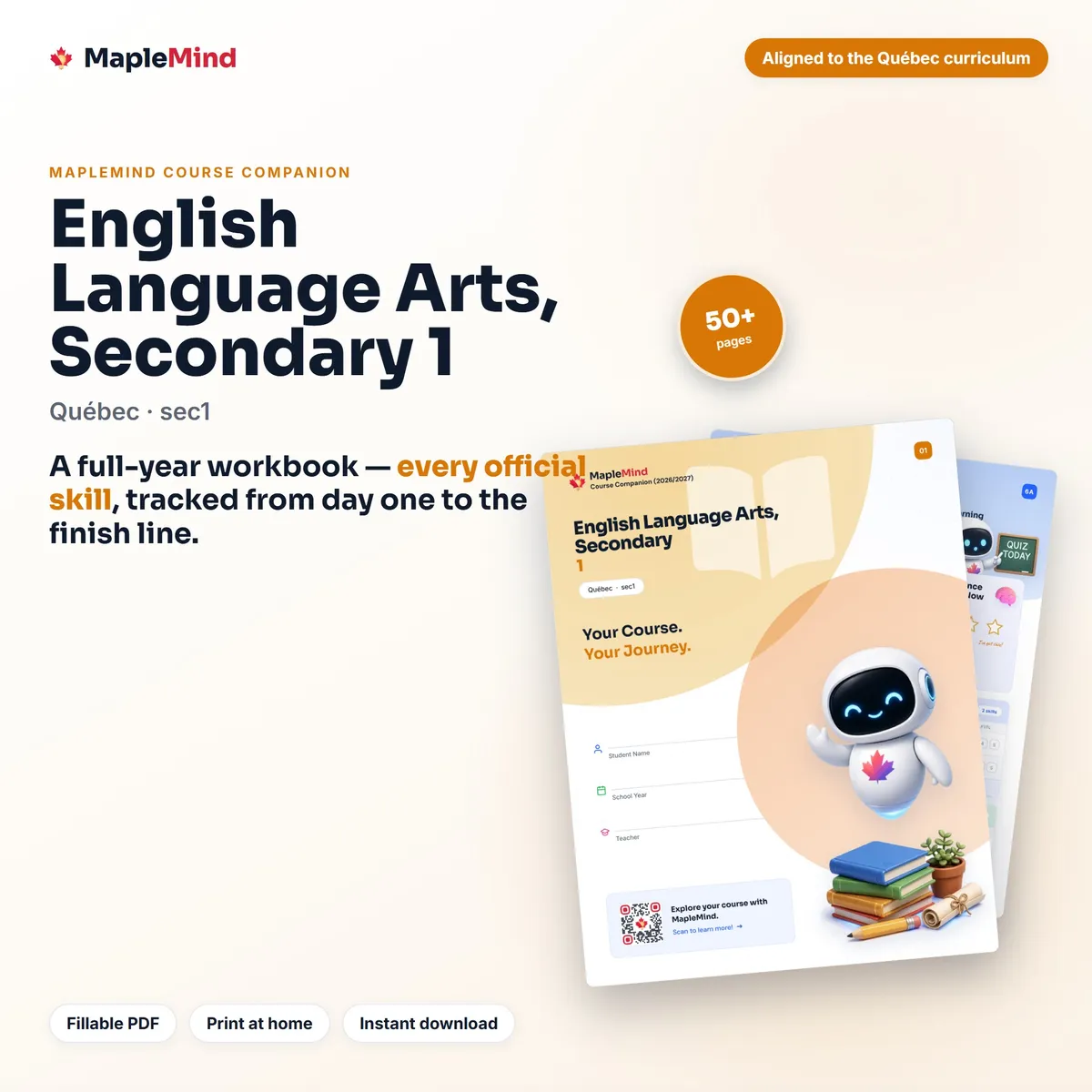 English Language Arts · Secondary 1
English Language Arts, Secondary 1
English Language Arts · Secondary 1
English Language Arts, Secondary 1
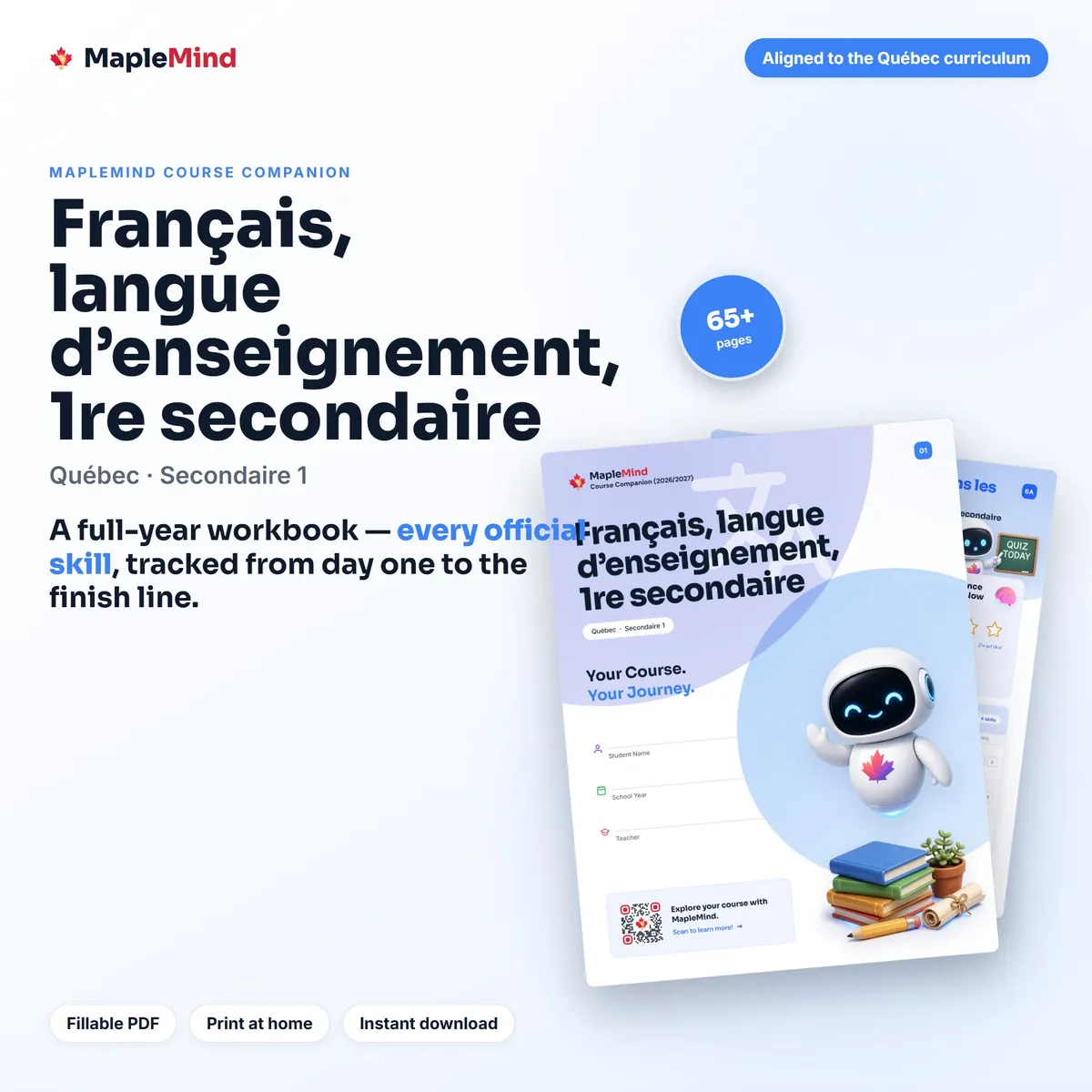 French · Secondaire 1
Français, langue d’enseignement, 1re secondaire
French · Secondaire 1
Français, langue d’enseignement, 1re secondaire
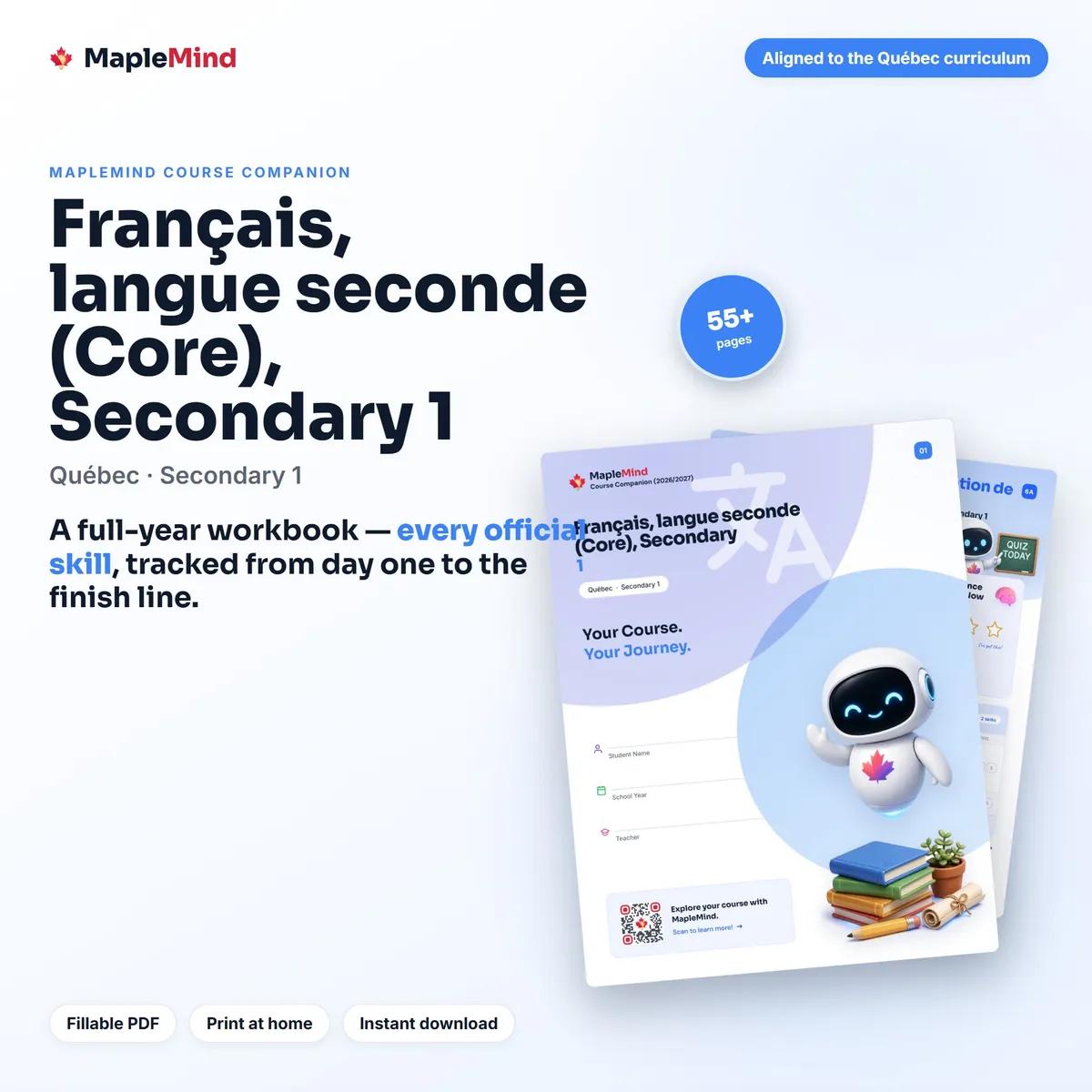 French as a Second Language · Secondary 1
Français, langue seconde (Core), Secondary 1
French as a Second Language · Secondary 1
Français, langue seconde (Core), Secondary 1
 Social Studies · Grades 7–8
Geography, Secondary Cycle One (Secondary 1-2)
Social Studies · Grades 7–8
Geography, Secondary Cycle One (Secondary 1-2)
 Social Studies · Grades 7–8
History and Citizenship Education, Secondary Cycle One (Secondary 1-2)
Social Studies · Grades 7–8
History and Citizenship Education, Secondary Cycle One (Secondary 1-2)
 English as an Additional Language · Grade 7
English as a Second Language (Core), Secondary Cycle One — Year 1
English as an Additional Language · Grade 7
English as a Second Language (Core), Secondary Cycle One — Year 1
Every skill the Quebec curriculum lists for Science and Technology, Secondary 1 is printed inside, and beside each one your student colours in how sure they feel — once before the unit and once after. Flip through and you can see at a glance which parts are solid and which need another look, months before a report card would tell you.
Yes. The outcomes come from Quebec's published curriculum for Science and Technology, Secondary 1, organised unit by unit in plain language. You can check the same outcomes on our free course page for Science and Technology, Secondary 1, which links to the government source.
No. It opens in any free PDF reader. On a computer you can click and type straight into it — there are over a thousand fillable spaces in most books. On an iPad it works in apps like GoodNotes. Or print it and use a pencil.
It isn't, and we'd rather say so plainly. There are no lessons and no answer keys inside. It's the map of the course and the record of the year. The teaching lives in the free MapleMind app, which covers the same skills.
No — the checklist is one part of it. The same book holds the skills tracker with before-and-after self-assessment, a reflection page for each unit, goal setting, a parent dashboard, parent-teacher conference pages, a mid-year check-in, a study-habits inventory, a portfolio record and a certificate of completion. All ten are built around Science and Technology, Secondary 1 specifically, which is what lets them work as one thing rather than ten loose sheets.
Yes, that's one of the things it's built for. Every Quebec outcome for Science and Technology, Secondary 1 is printed in the curriculum's exact wording with a place to date it, so a portfolio review or a year-end assessment becomes a matter of handing someone the book.
Yes. It's built for standard 8.5x11 paper and prints cleanly at home or at a copy shop. Print the whole thing or just the pages you want as you go.
The download link appears on the screen straight away, and the same links are emailed to you. Nothing ships, and you don't need an account. If you ever lose the file, you can ask for fresh links with your purchase email.
New here?
MapleMind is an AI tutor built for the Canadian curriculum — including this exact Quebec course. It teaches the same Science and Technology, Secondary 1 skills this workbook tracks, one at a time, at whatever pace your student needs. It's free to start, there's no credit card, and it runs in a browser as well as on a phone.
Free to start · no credit card · works in a browser, on iPhone and on Android

We're a Canadian education company in Edmonton, Alberta. We build an AI tutor for the Canadian curriculum, publish the full curriculum for 764 courses free at trymaplemind.ca/courses, and make these workbooks from the same material. Questions before you buy go to support@trymaplemind.ca.
764 workbooks built from the official curriculum, one for every course we teach.
Browse all workbooks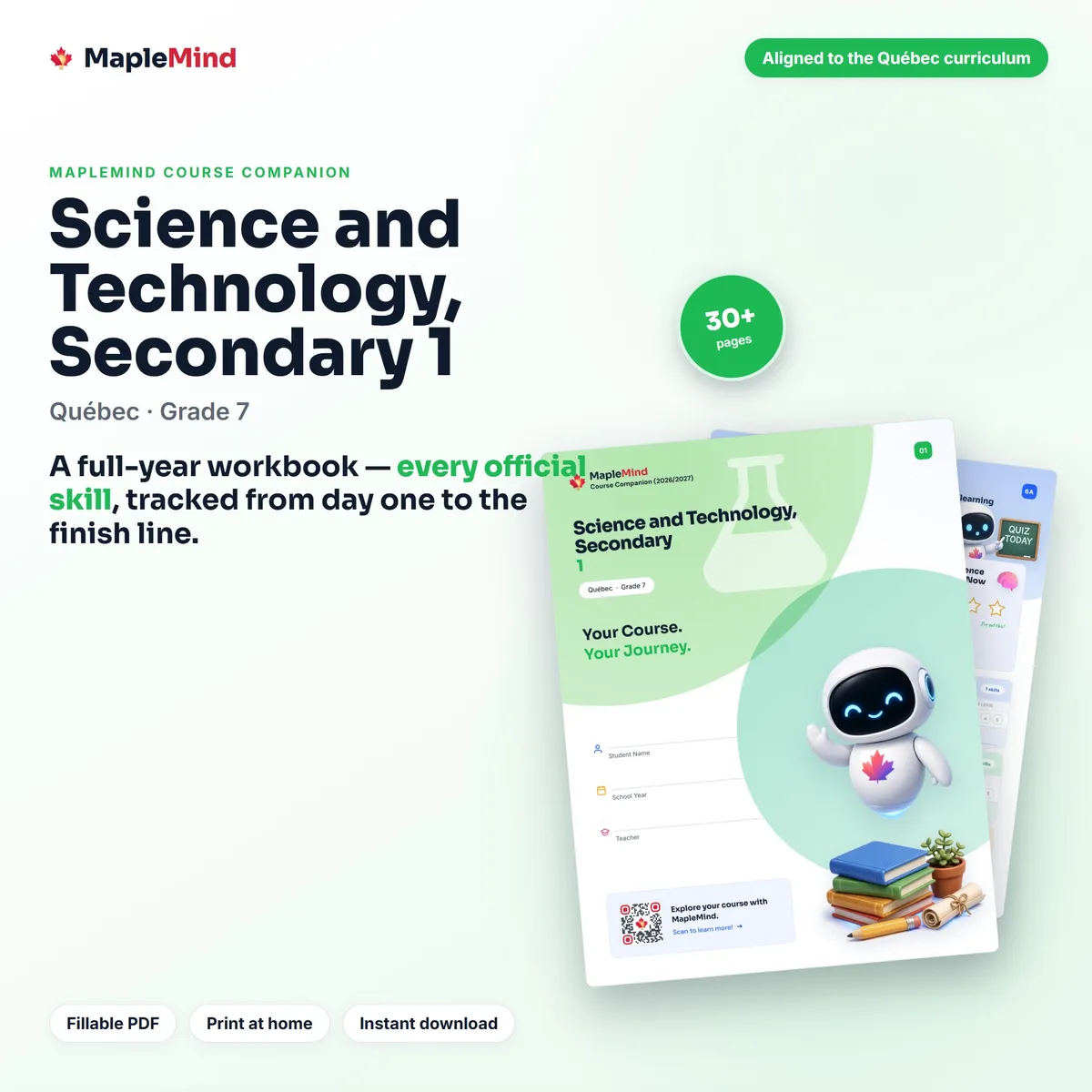
Science and Technology, Secondary 1 · Quebec