Get help with Mathematics 2
Most tutoring makes your child sit through material your child already knows. MapleMind flips that: pick the exact skill that's causing trouble — any of the 16 below — and the tutor teaches just that one, step by step, as many times as it takes. Ask questions in plain words, any time of day, in English, French, or 12 other languages.
The official Alberta Mathematics 2 curriculum
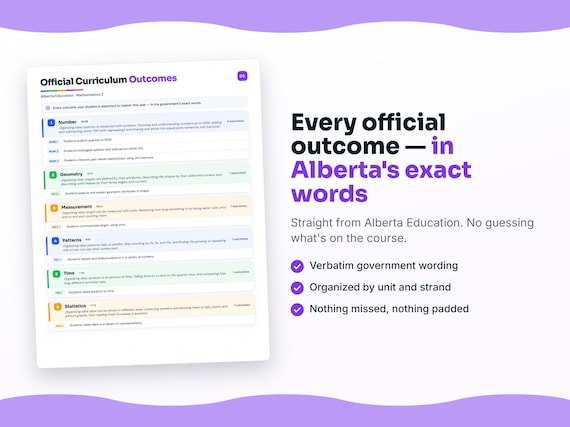
Alberta defines Mathematics 2 by strands and outcomes. MapleMind teaches the same curriculum reorganized for one-skill-at-a-time tutoring — the table shows exactly where every official strand lands, and the ministry's own wording is quoted under each unit below.
Official source Alberta's official programs of studyRead it on the government site — alberta.ca ↗| Official strand | Outcomes | Where MapleMind teaches it |
|---|---|---|
| Number | 3 | Number |
| Geometry | 1 | Geometry |
| Measurement | 1 | Measurement |
| Patterns | 1 | Patterns |
| Time | 1 | Time |
| Statistics | 1 | Statistics |
Every skill below, taught one on one.
 Try the first session free
How MapleMind teaches Mathematics 2 — every unit, lesson, and skill
Every skill below runs as a short session: a plain-words lesson, a worked example, solving it together, then a five-question skill check that earns up to three stars. Guided Mode keeps it teaching instead of answer-handing — turning it off needs a parent's password.
Unit 1NumberOfficial strand · Number
Organizing idea: quantity is measured with numbers. Counting and understanding numbers up to 1000, adding and subtracting within 100 (with regrouping), and sharing one whole into equal parts named by unit fractions.
Numbers to 1000
- Counting and grouping to 10002.N.1 — Count, read, and build numbers up to 1000 by grouping into hundreds, tens, and ones, so a number like 342 is 3 hundreds, 4 tens, and 2 ones.
- Comparing and ordering numbers2.N.1 — Compare two numbers up to 1000 to tell which is more and which is less, and put a small set of numbers in order from least to greatest.
Adding and Subtracting to 100
- Adding with regrouping2.N.2 — Add two numbers within 100, and when the ones add up to ten or more, trade ten ones for one new ten (regrouping) so 24 + 8 = 32.
- Subtracting with regrouping2.N.2 — Subtract within 100, and when there are not enough ones, break one ten into ten ones first (regrouping), while seeing that adding and subtracting undo each other.
Fair Shares and Unit Fractions
- Splitting a whole into equal parts2.N.3 — Split one whole thing into equal parts and see that the more equal parts you make, the smaller each part becomes (halves, thirds, fourths).
- Naming one equal part2.N.3 — Name one of the equal parts a unit fraction — one-half, one-third, one-fourth — where the whole is split into 2, 3, or 4 same-size parts and you take just one.
The official wording — 3 outcomes in this unit
- 2.N.1
Students analyze quantity to 1000.
- 2.N.2
Students investigate addition and subtraction within 100.
- 2.N.3
Students interpret part-whole relationships, using unit fractions.
Unit 2GeometryOfficial strand · Geometry
Organizing idea: shapes are defined by their attributes. Describing flat shapes by their sides and corners, and describing solid shapes by their faces, edges, and corners.
What Makes a Shape a Shape
- Sides and corners of flat shapes2.G.1 — Describe and sort flat (two-dimensional) shapes by counting their sides and corners — a triangle has 3 sides and 3 corners, a square has 4 of each.
- Faces, edges, and corners of solids2.G.1 — Describe solid (three-dimensional) shapes by their flat faces, edges, and corners — a cube has flat square faces you can trace to make 2-D shapes.
The official wording — 1 outcome in this unit
- 2.G.1
Students analyze and explain geometric attributes of shape.
Unit 3MeasurementOfficial strand · Measurement
Organizing idea: length can be measured with units. Measuring how long something is by laying same-size units end to end and counting them.
How Long Is It?
- Measuring with same-size units2.M.1 — Measure how long something is by laying same-size units (like paperclips or cubes) end to end with no gaps or overlaps, and counting how many units long it is.
- Telling how long, and comparing2.M.1 — Say a length in units (like "8 cubes long"), compare two objects by their unit counts, and understand that bigger units mean you need fewer of them.
The official wording — 1 outcome in this unit
- 2.M.1
Students communicate length, using units.
Unit 4PatternsOfficial strand · Patterns
Organizing idea: patterns help us predict. Skip counting by 2s, 5s, and 10s, and finding the growing or repeating rule so you can say what comes next.
Skip Counting and Patterns
- Skip counting by 2s, 5s, and 10s2.P.1 — Skip count by 2s, 5s, and 10s (2, 4, 6, 8… / 5, 10, 15… / 10, 20, 30…) and notice the pattern in the numbers you land on.
- Finding the rule and what comes next2.P.1 — Find the rule of a number or shape pattern (what is added or what repeats), use it to say what comes next, and fill in a missing part.
The official wording — 1 outcome in this unit
- 2.P.1
Students explain and analyze patterns in a variety of contexts.
Unit 5TimeOfficial strand · Time
Organizing idea: duration is an amount of time. Telling time on a clock to the quarter hour, and comparing how long different activities take.
Telling Time and How Long
- Reading a clock to the quarter hour2.T.1 — Read a clock to the hour, half hour, and quarter hour, knowing the short hand shows the hour and the long hand shows the minutes.
- Comparing how long things take2.T.1 — Compare the duration of activities — which takes longer or shorter — and put a few events in order by how much time they take.
The official wording — 1 outcome in this unit
- 2.T.1
Students relate duration to time.
Unit 6StatisticsOfficial strand · Statistics
Organizing idea: data can be shown in different ways. Collecting answers and showing them in tally charts and picture graphs, then reading them to answer a question.
Collecting and Showing Data
- Collecting answers in a tally2.ST.1 — Ask a question with a few choices, collect everyone's answer, and keep a tally chart by making one mark for each answer.
- Showing data in different pictures2.ST.1 — Show the same data in more than one way — a tally chart and a picture graph — and read them to tell which choice got the most and the fewest.
The official wording — 1 outcome in this unit
- 2.ST.1
Students relate data to a variety of representations.
Printable workbook · A keepsake of the year
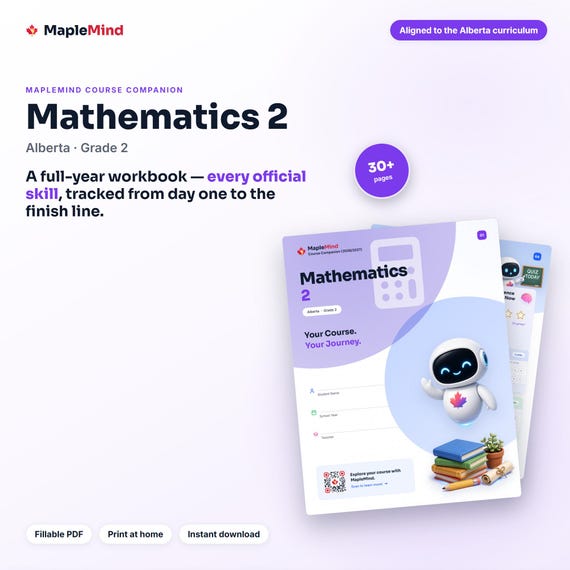
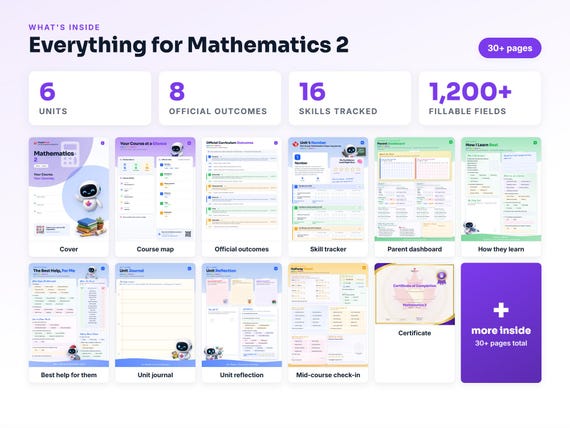
A Mathematics 2 workbook worth keeping
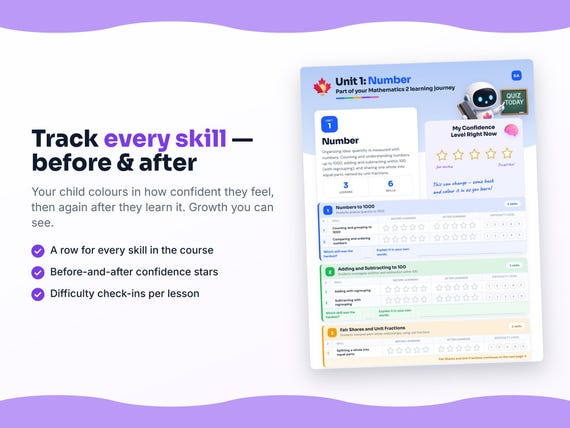
Built from the same official curriculum as this page. Before and after each skill above, your student colours in how sure they feel — so the two of you can see, on one page, what's clicking and what needs another look. It's a quiet way to follow how the year is really going.
By June it's full of their own handwriting: units worked through, confidence grown, a mid-year check-in, notes from parent-teacher night, and a certificate at the end. Less a worksheet, more a record of the year worth keeping on the shelf.
Instant download · see every page, reviews and the full description · five or more workbooks are $2.99 each
What it looks like in the app
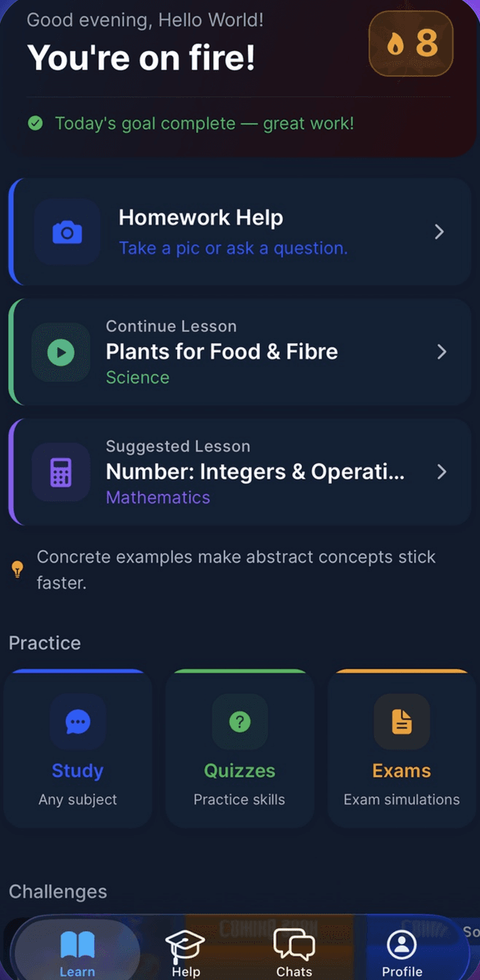
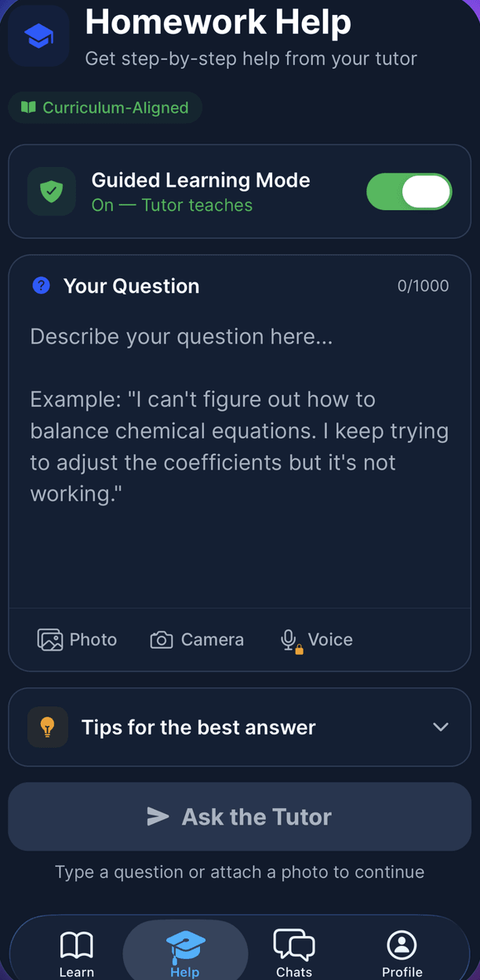
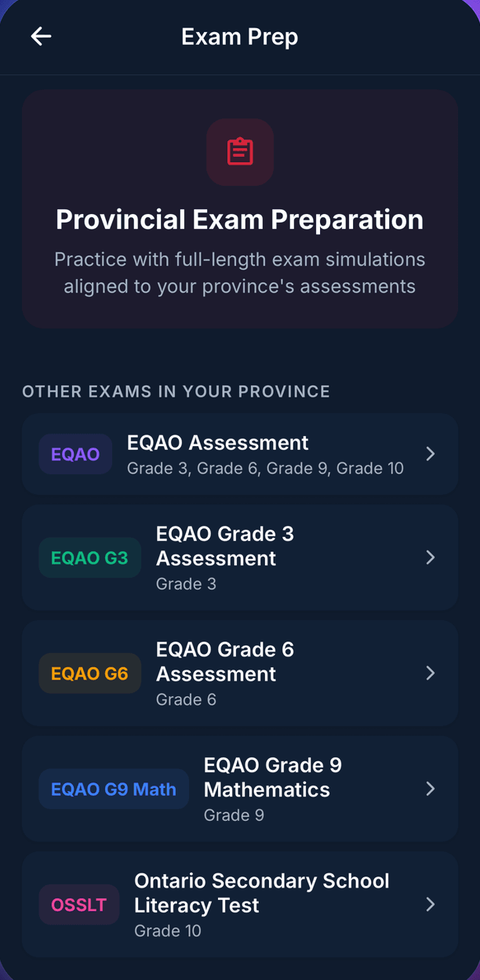
Common questions
Can MapleMind help my child with Mathematics 2?
Yes. MapleMind's AI tutor covers all 16 skills in Alberta's Mathematics 2 — your child picks the exact skill, and the tutor teaches it step by step: a short lesson, a worked example, solving together, then a skill check to show it stuck.
Is MapleMind aligned to Alberta's official curriculum?
Yes. Every skill in this course maps to an official outcome code from Alberta's Grade 2 Mathematics curriculum, and the ministry's own wording is quoted under each unit on this page — with the official government source linked so you can check it yourself.
What does MapleMind cost?
It's free to start — 5 tutoring chats and a practice quiz every day, no credit card. A Pro subscription ($9.99/month or $49.99/year CAD, 7-day free trial) unlocks unlimited tutoring, practice, and exam simulations.
What if my child is stuck on just one topic?
That's the point of skill-level tutoring: open Mathematics 2 in the app, tap the exact skill from the list on this page, and the tutor teaches just that — no wading through lessons your child doesn't need.
Does MapleMind work in French or other languages?
Yes — 14 languages, including French. Both the app and the tutor's explanations switch to the language your child chooses.
Where can I see the official Alberta curriculum for Mathematics 2?
The official source is linked on this page — Alberta's official programs of study. The outline here follows it: every MapleMind skill carries its official outcome code, and the ministry's own wording is quoted under each unit.
Keep exploring
Ready when you are
Pick a skill from this page and see it taught properly — free, in the browser, in under a minute.