Know their year.Help them through it.
Pick your child’s province and grade to see what they’ll learn, when their exams and school breaks are, and how to help at home.
What they learn this year
Each course’s units, in the order the province teaches them. Save a course’s checklist to follow along at home.
School year 2026–27
Exams and school breaks
The dates for your child’s grade, in order. Add them all to your calendar at once.
How to help them study
A review of ten study techniques found two that work for every age and subject. Both are easy to do at home.
Works
Quiz them
Ask questions instead of going over the notes with them. Recalling an answer is what makes it stick.
Each skill in MapleMind ends with a short check you can do together.
Works
Little and often
Short sessions over several days beat one long night before the test.
The term planner on each course page adds a review a week after every unit.
Barely helps
Rereading
Reading the notes again feels like studying, but it adds little.
Have them close the notes and explain it to you instead.
Barely helps
Highlighting
A highlighted page looks busy, but the highlighting adds little.
Have them turn each heading into a question to answer later.
Falling behind?
- Ask the teacher which skills are giving them trouble.
- Practise one of those skills for five minutes a day.
- Praise the effort they put in, not the mark.
From “How to Support Young Kids Who Are Struggling in School,” Child Mind Institute, 2025
Parent-teacher interviews
They usually last 10 to 15 minutes, so bring your questions. Read the report card and talk with your child first.
- What does my child do well?
- What skills do they still need to work on?
- Are they getting extra help? In which subjects?
- How much time should they spend on homework?
- How do they get along with other students?
- How can I help at home?
- What’s the best way to reach you with more questions?
Afterwards, tell your child the good news first, then the plan for what to work on.
From “Parent-Teacher Interviews: Tips for Parents,” People for Education
The official sources
Your province’s own curriculum documents and exam pages for this grade, straight from the ministry.
No official documents listed for these choices.
MapleMind at home
See how they’re doing
The Parent Dashboard shows the days they studied, their lessons, their quiz average, their recent work and the skills they get wrong most.
- Guided modeThe tutor works through each question with them instead of giving the answer. You choose who can turn it off.
- Quiet hours and a goalSet when the tutor is off and how much they aim to do each day.
- A weekly emailTheir week in numbers, every Sunday, if you want it.
CA$9.99a month for each childOr free, with daily limits
Open the Parent Dashboard

Course Companions
Your year in one workbook
Each one keeps a course organized, helps you get to know your child better and shows early where they need a hand. Most have over 1,000 places to fill in.
- Mathematics, Grade 9 (De-streamed)$4.99Buy 5+, $2.99 each
- Science, Grade 9 (De-streamed)$4.99Buy 5+, $2.99 each
- English, Grade 9 (De-streamed)$4.99Buy 5+, $2.99 each
- Geography of Canada, Grade 9$4.99Buy 5+, $2.99 each
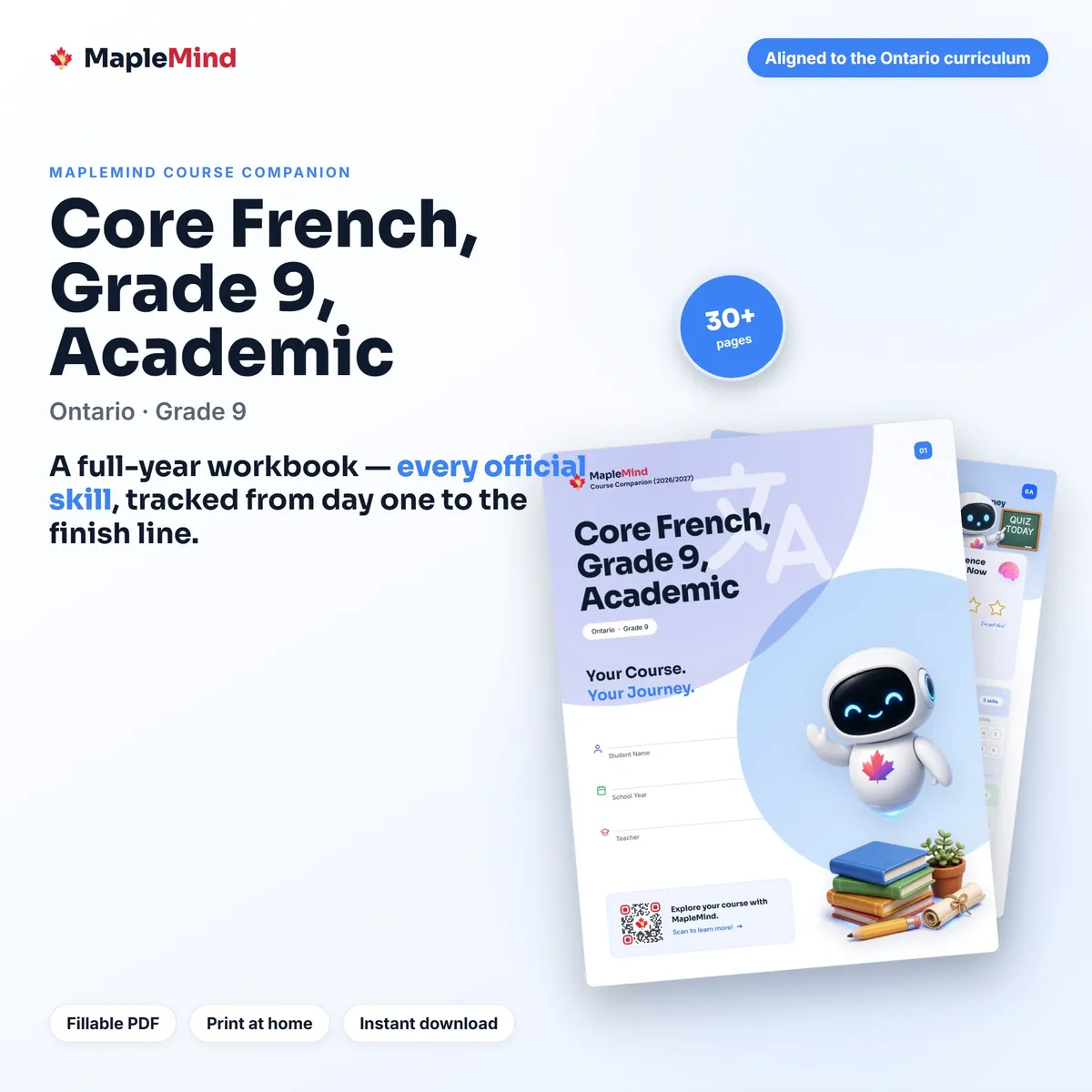
- Core French, Grade 9, Academic$4.99Buy 5+, $2.99 each
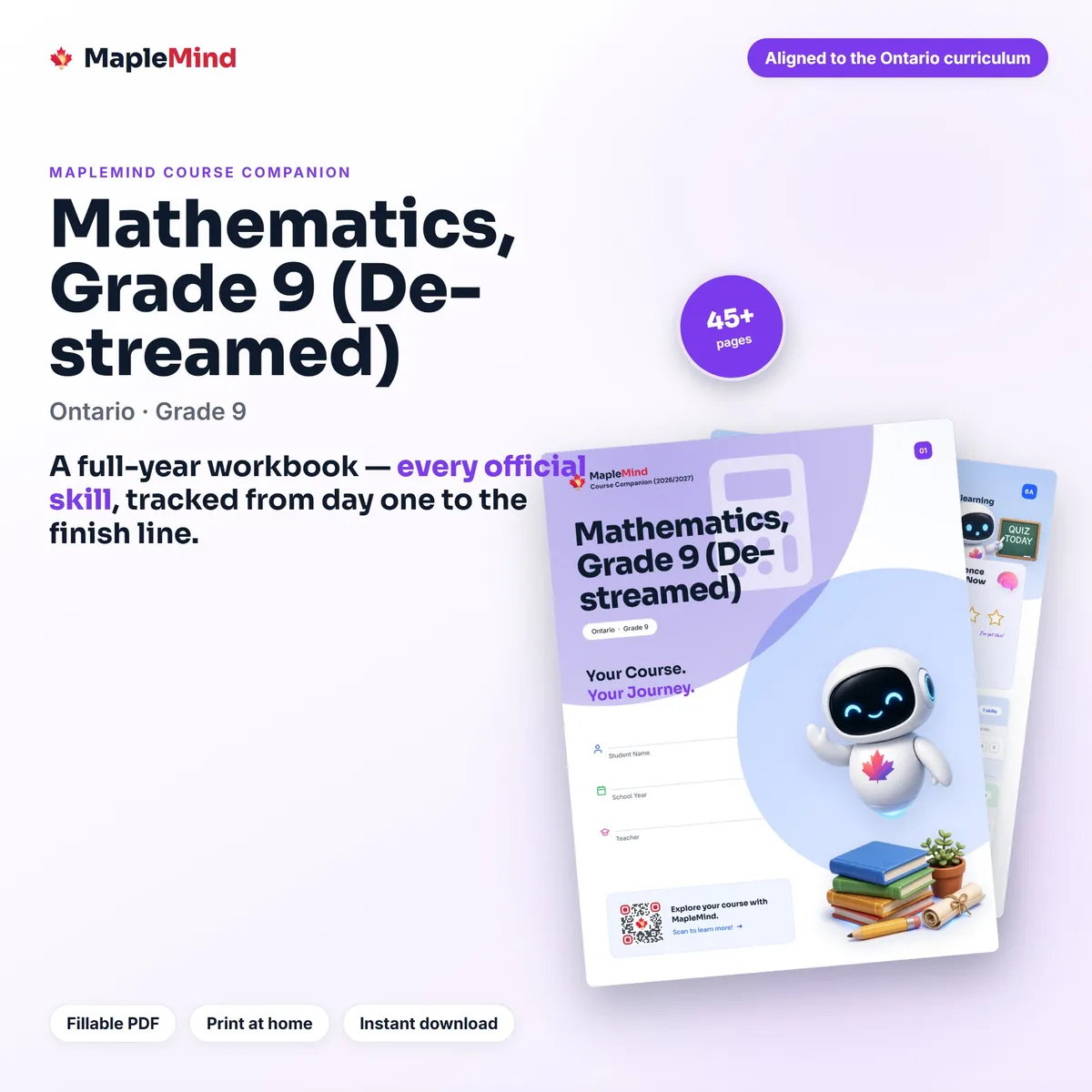
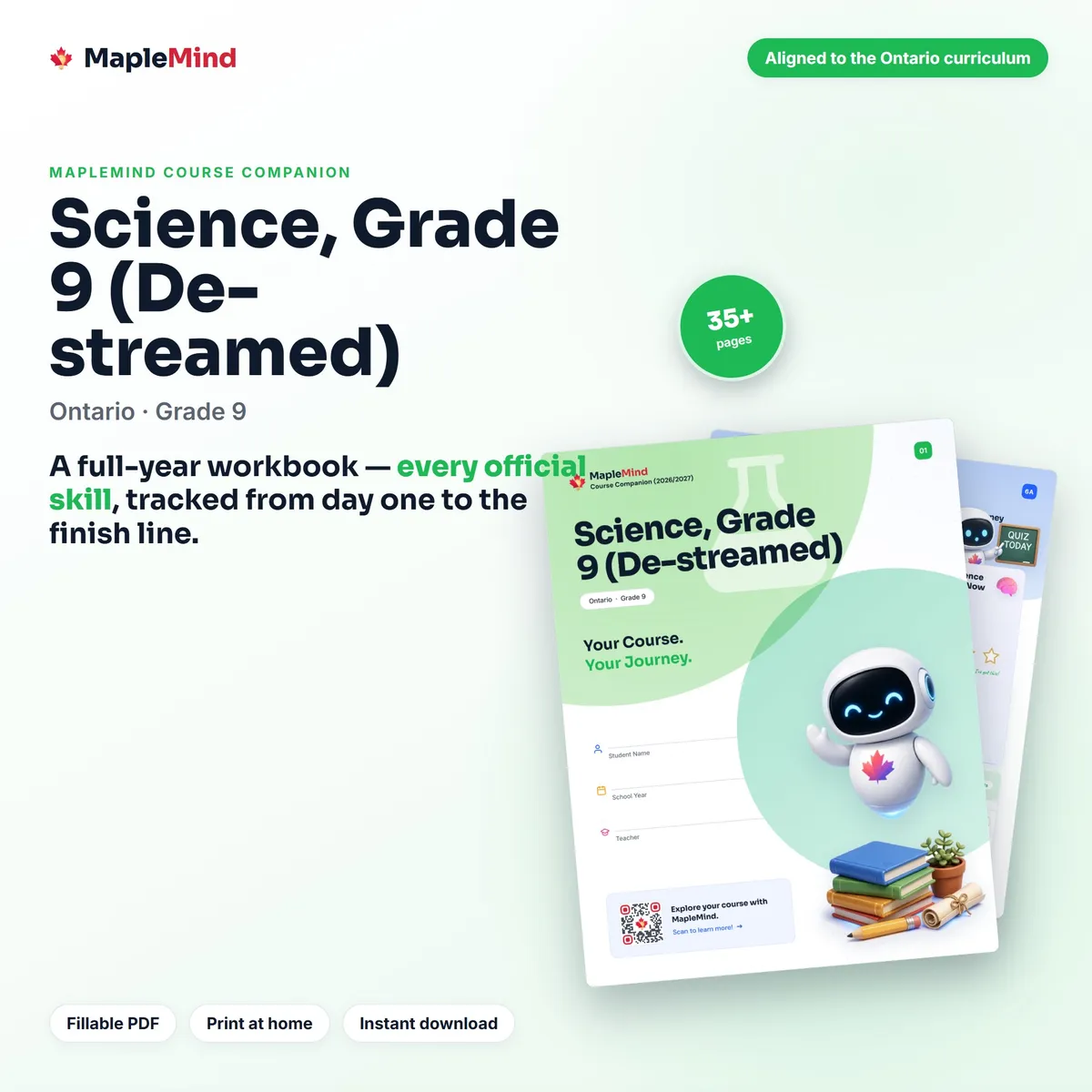
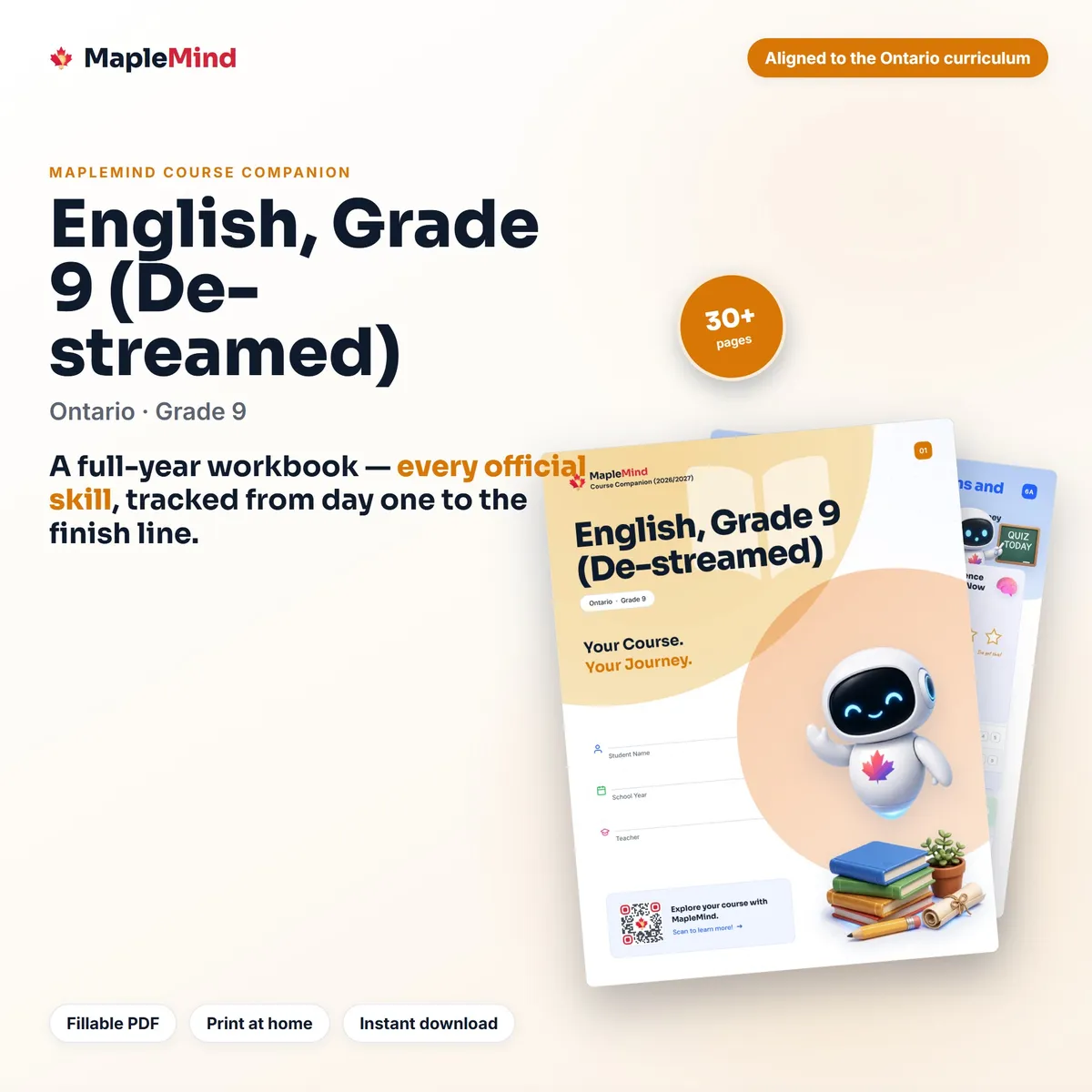
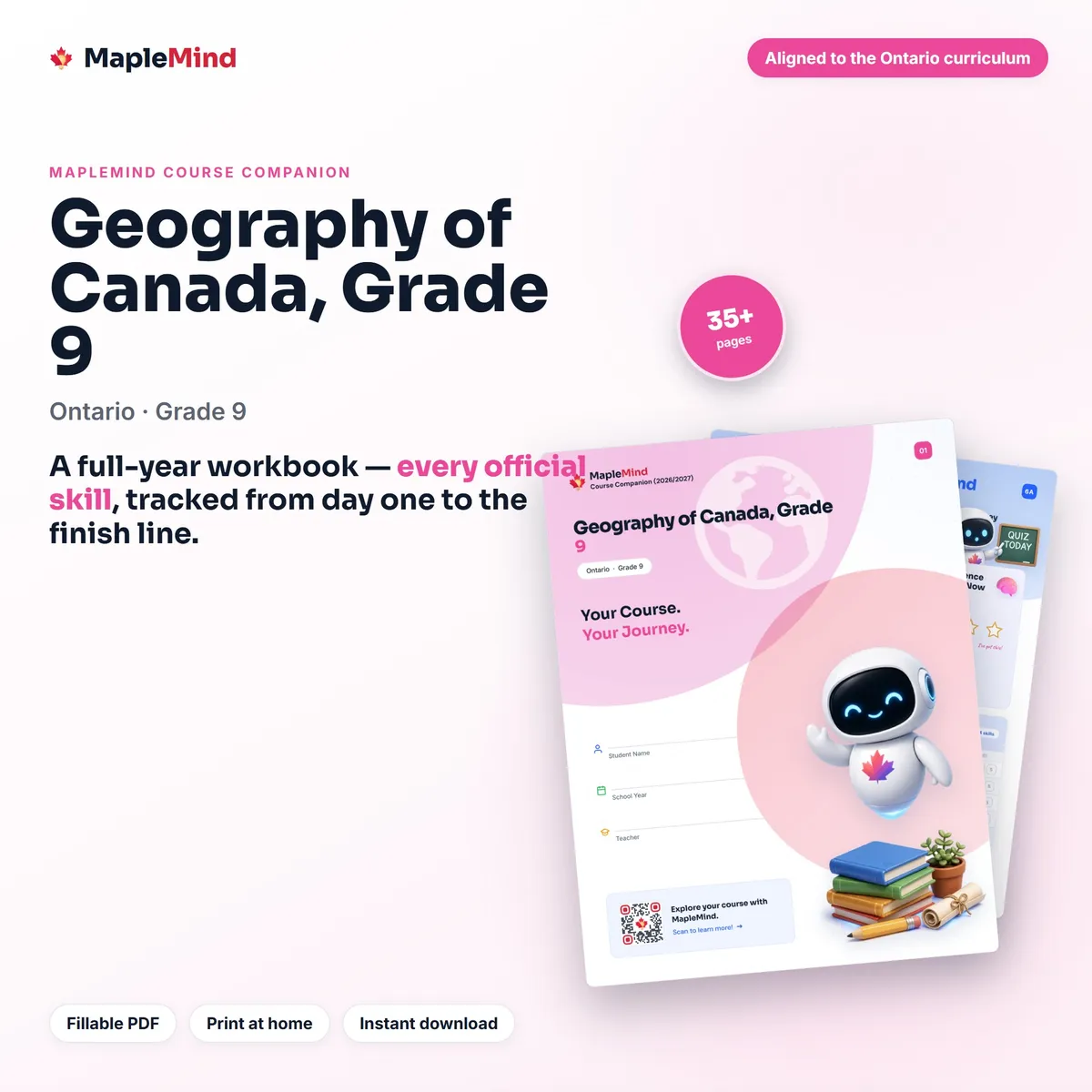
No Course Companions for these choices
Questions parents ask
Is MapleMind safe for my child?
Children under 13 (14 in Quebec) need a parent’s consent before they can use the tutor. Guided mode is on, and you choose who can turn it off.
Will it do their homework for them?
Guided mode works through each question with them, step by step, instead of giving the answer, so they learn to do it themselves.
How much does it cost?
There’s a free plan: 30 messages to the tutor and 4 activities a day. MapleMind Pro is CA$9.99 a month or CA$49.99 a year for each child, with a 7-day free trial.
Does it follow our province’s curriculum?
Yes. Each of its 765 courses follows its province’s own curriculum, unit by unit.
Can I see how they’re doing?
Yes. The Parent Dashboard shows their week at a glance, and a weekly email can send you the numbers every Sunday.
We homeschool. Is there a page for us?
Yes. The educators’ page has long-range plans, curriculum checklists and the official documents for each course.

Practise a skill together
Open MapleMind together and practise one skill from their course.